Software Name:
Csharp Export to Excel
Version: 2021.11.0
Category: Miscellaneous
Date Listed/Updated: 2023-01-30 15:16:00
File size: 9802 KB
OS: Win2000,WinXP,Win7 x32,Win7 x64,Windows 8,Windows 10,WinServer,WinOther,WinVista,WinVista x64
License: Other Price($): 499
Author/Publisher name: Stephen Williams
View Full Screenshot
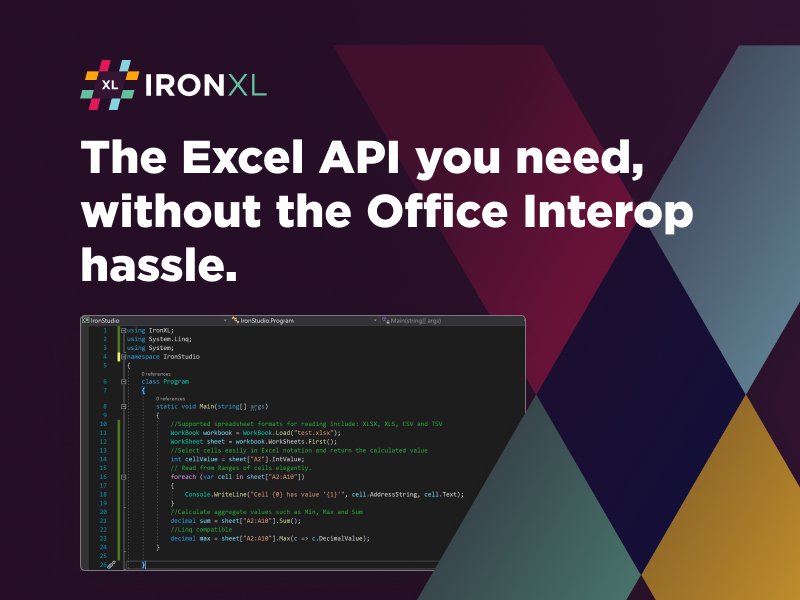
Description: Why would I need to export data to an Excel file for my C# application? Excel is one of the most common spreadsheet formats the world has ever known. Customers are used to having data exported as CSV data, or more popularly Excel data so that they can get data exported from web and desktop and server applications and use them for their own use for their own applications. IronXL provides a comprehensive format to take any data in C#, and programmatically converted into excel files, which can be saved to disk or downloaded by the user.
The easiest way to export data to an Excel document in C# is to programmatically create a sheet. You ve got two options with our IronXL. You can use the system.data.dataset and datatable functionality to automatically create Excel files. Or you can simply run three loops taking data from your application and writing it to cells within a workbook and worksheet. IronXL also allows you to add functions and formatting, set background colors, create tables, freeze panes, all the general functionality you re so used to an Excel is programmatically accessible in iRONxl without having Excel installed on your server or client machine. It works on Windows, Mac, Linux, Azure and Docker.
IronXL allows any system.data.dataset to be converted to excel programmatically in about five lines of code. It s one of IronXL s greatest strengths. There are code examples on the IronXL webpage.
IronXL doesn t just export conventional Excel files. It can export CSV files, tab separated values, CSV files, JSON, XML, as well as Excel file formats, XLSX, XLSM and XLS formats. Frankly, all of the conventional Excel formats, which are supported by Excel desktop applications, are also supported by IronXL. We can export to Excel from our own data or from datasets in C# and VB .Net

 We have affiliation with number one software market place Share-IT\. Contact us for better pricing/customised coupon code
 Use Avangate Coupoun code 548AAC3EB7 to get maximum discount. Please contact through skype: softrevu or send mail to submit@softrevu.com for better pricing
EULA

Tags: c# export to excel export dataset to excel in c#
Is this software spam? Report Spam
Software removal request by publisher Removal Request
Software Review: Csharp Export to Excel Review
For publisher: Request Software Confirmation
Press release from the publisher:Excel is one of the most well-known bookkeeping page arranges the world has ever known. Clients are accustomed to having information sent out as CSV information, or all the more famously Excel information so they can get information traded from web and work area and worker applications and use them for their own utilization for their own applications. IronXL gives a complete configuration to take any information in C#, and automatically changed over into dominate records, which can be spared to circle or downloaded by the client.
The most straightforward approach to send out information to an Excel archive in C# is to automatically make a sheet. You have two choices with our IronXL. You can utilize the system.data.dataset and datatable usefulness to naturally make Excel records. Or on the other hand you can basically run three circles taking information from your application and composing it to cells inside an exercise manual and worksheet. IronXL additionally permits you to add capacities and organizing, set foundation tones, make tables, freeze sheets, all the overall usefulness you re so used to an Excel is automatically open in iRONxl without having Excel introduced on your worker or customer machine. It takes a shot at Windows, Mac, Linux, Azure and Docker.
IronXL permits any system.data.dataset to be changed over to dominate automatically in around five lines of code. It s probably the best quality. There are code models on the IronXL website page.
IronXL doesn t simply send out customary Excel records. It can send out CSV documents, tab isolated qualities, CSV records, JSON, XML, just as Excel record designs, XLSX, XLSM and XLS designs. To be perfectly honest, the entirety of the customary Excel designs, which are upheld by Excel work area applications, are additionally upheld by IronXL. We can fare to Excel from our own information or from datasets in C# and VB .Net
Take a look at our website for more information on the tutorial. https: ironsoftware.com csharp excel docs questions c-sharp-export-to-excel
Can find out more about our licensing here https: ironsoftware.com csharp excel licensing
Visit the Press Release for more details
Software from the publisher:Personal Portfolio Manager, GST-VAT Invoicing, GST-VAT Accounting, Simple Business Invoicing & Inventory, Simple Business Accounting, Holiday Card Organizer, Bookkeeping for REALTORS, Basic Bookkeeping, Csharp Export to Excel,
 Free YouTube Downloader Converter


