Software Name:
How to use Tesseract OCR in C#
Version: 2020.11.0
Category: Miscellaneous
Date Listed/Updated: 2023-01-31 23:10:13
File size: 0 KB
OS: Win2000,WinXP,Win7 x32,Win7 x64,Windows 8,Windows 10,WinServer,WinOther,WinVista,WinVista x64
License: Other Price($): 499
Author/Publisher name: Jim Baker
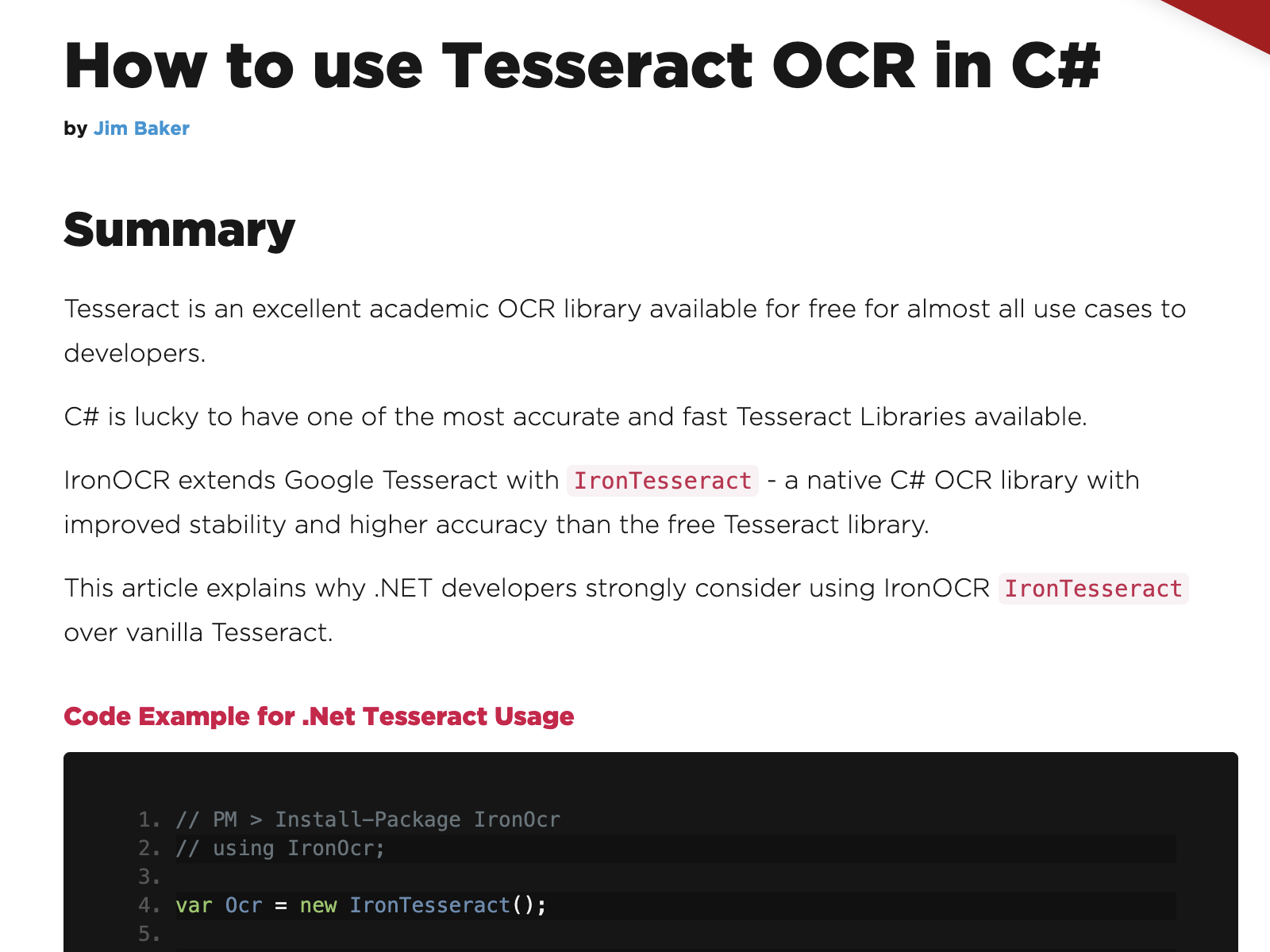
View Full Screenshot
Description: Iron OCR can use the Tesseract 3, Tesseract 4, and Tesseract 5 engine. It provides these on Windows, Linux, and Mac operating systems, and everything you need is installed automatically when you install the Iron OCR NuGet package: https: www.nuget.org packages IronOcr
Tesseract itself is a command line executable which may not be appropriate for using in real-world scenarios such as web applications. Iron OCR provides the latest Tesseract 5 technology directly to .NET developers without requiring them to install Tesseract onto their host operating system manually. We find that Iron OCR provides an advanced image sampling and upscaling technology, ensuring that even low quality scans get great results with Iron Tesseract: https: ironsoftware.com csharp ocr tutorials c-sharp-tesseract-ocr
Iron OCR can be used in any type of .NET project. We find it is regularly popular in the development of server applications and desktop applications. We have also seen customers use it within web applications to scan uploaded content and turn it into text, which can then be purposed for another use, such as a database.
Iron OCR allows us to read image files, such as TIFFs, JPGs, GIFs, and PNGs, in .NET using Tesseract. Iron OCR (https: ironsoftware.com csharp ocr ) also provides PDF OCR technology using Tesseract within .NET applications.
You will be able to find code examples on the Iron Software website showing how to use Iron OCR as a Tesseract alternative for .NET and C# projects. It includes examples of PDF OCR using Tesseract in C#. Please also find information on licensing here: https: ironsoftware.com csharp ocr licensing
Iron OCR allows developers to treat PDFs as if they were scanned images and provides full functionality for PDF OCR. This includes not only reading PDFs and turning them back into plain text, but also producing PDFs. Iron OCR can use its Tesseract engine to create a search indexable PDF from a flat PDF or image-based contet.

 We have affiliation with number one software market place Share-IT\. Contact us for better pricing/customised coupon code
 Use Avangate Coupoun code 548AAC3EB7 to get maximum discount. Please contact through skype: softrevu or send mail to submit@softrevu.com for better pricing
EULA

Tags: tesseract ocr c# c# ocr tesseract c# tesseract ocr ocr tesseract c# tesseract c# tesseract ocr
Is this software spam? Report Spam
Software removal request by publisher Removal Request
Software Review: How to use Tesseract OCR in C# Review
For publisher: Request Software Confirmation
Press release from the publisher:Iron OCR Part 1: How to Use Tesseract OCR in C#
https: ironsoftware.com csharp ocr or https: www.nuget.org packages IronOcr
How does Iron OCR use Tesseract to read scan images?
How does Iron OCR improve upon Tesseract?
Which versions of Tesseract does Iron OCR use?
Iron OCR can use the Tesseract 3, Tesseract 4, and Tesseract 5 engine. It provides these on Windows, Linux, and Mac operating systems, and everything you need is installed automatically when you install the Iron OCR NuGet package.
Does Iron OCR work with .NET 5 and .NET Core?
Yes, Iron OCR provides Tesseract functionality for .NET Core and .NET 5 projects out of the box. This includes support for Linux, Mac, Windows, and Azure.
What types of projects can you create using Iron OCR on .NET Core?
Iron OCR can be used in any type of .NET project. We find it is regularly popular in the development of server applications and desktop applications. We have also seen customers use it within web applications to scan uploaded content and turn it into text, which can then be purposed for another use, such as a database.
What types of document does Iron OCR read?
Iron OCR allows us to read image files, such as TIFFs, JPGs, GIFs, and PNGs, in .NET using Tesseract. Iron OCR also provides PDF OCR technology using Tesseract within .NET applications.
Can I find code examples to help me use Iron OCR?
You will be able to find code examples on the Iron Software website showing how to use Iron OCR as a Tesseract alternative for .NET and C# projects. It includes examples of PDF OCR using Tesseract in C#.
How to use Tesseract OCR in C#
To use Tesseract OCR in C#, we may use the Iron OCR library to automatically install all of our dependencies and provide full Tesseract 3, 4, and 5 engines directly inside our .NET application.
Are there Tesseract OCR tutorials in C#?
The Iron Software website provides advanced C# Tesseract tutorials.
Tesseract OCR and PDF in C#
Iron OCR allows developers to treat PDFs as if they were scanned images and provides full functionality for PDF OCR. This includes not only reading PDFs and turning them back into plain text, but also producing PDFs. Iron OCR can use its Tesseract engine to create a search indexable PDF from a flat PDF or image-based content.
How to use Tesseract OCR in Windows
Tesseract OCR can be used in Windows by downloading a relevant Tesseract binary and using the DOS command line. However, we would recommend if anybody is developing a Windows application, they may consider using Iron OCR for .NET as their way to access Tesseract programmatically.
https: ironsoftware.com csharp ocr licensing
https: ironsoftware.com csharp ocr tutorials c-sharp-tesseract-ocr
Visit the Press Release for more details
Software from the publisher:How to use Tesseract OCR in C#,
 Free YouTube Downloader Converter


