Software Name:
How to Extract Page from PDF
Version: 2022.8.7894
Category: Miscellaneous
Date Listed/Updated: 2023-03-03 13:59:43
File size: 12189 KB
OS: Win2000,WinXP,Win7 x32,Win7 x64,Windows 8,Windows 10,WinServer,WinOther,WinVista,WinVista x64
License: Other Price($): 499
Author/Publisher name: Tom Holland
View Full Screenshot
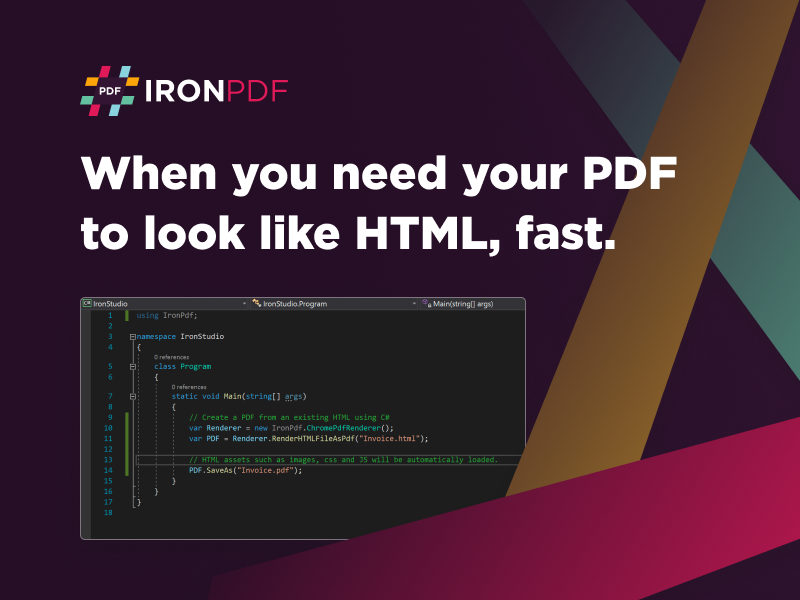
Description: How to extract page from PDF is a new solution offered by the expert developers at IronSoftware. It integrates smoothly with your next project build in VB and fully supports .NET 5, Core, Standard, Framework, and Azure, making it a highly versatile option for all kinds of applications. This will save your intended target market so much time from having to mess with gigantic PDF documents, and manually copy and pasting different pages that could take endless hours to manage. Now they can simply add, remove, batch, combine, and spate PDF files into different precise pages for whatever needs they may have.This is an easy-to-use integration built through an open-source process helps eliminate wasted resources from your dev team. They will not have to spend countless time and energy trying to make massive repairs or unearth annoying bugs. The best part is How to Extract Page from PDF is available for free at https: ironpdf.com while you are in the development phase of your project. You do not owe a thing until you are ready for active deployment, and even then, IronSoftware only requests a reasonable license fee.Imagine how much easier healthcare professionals or legal clerks will view working with PDFs when they can quickly extract only those important pieces of information necessary to their workloads. How to Extract Page from PDF includes security features like digital signatures, read receipts, and permissions to the fields that are extracted are only being sent and read to the appropriate users.This is a comprehensive integration that also includes Pixel Perfect Chromium Rendering. That will help your team find the exact pages they need because of the automatic cleaning of blurry and distorted source data. You will be able to convert and manipulate PDFs from and to images within C# and HTML.To learn more on How to Extract Pages from PDF, visit https: ironpdf.com blog pdf-tools how-to-extract-pages-from-pdf for detailed documentation.

 We have affiliation with number one software market place Share-IT\. Contact us for better pricing/customised coupon code
 Use Avangate Coupoun code 548AAC3EB7 to get maximum discount. Please contact through skype: softrevu or send mail to submit@softrevu.com for better pricing
EULA

Tags: how to extract page from pdf extract pdf page
Is this software spam? Report Spam
Software removal request by publisher Removal Request
Software Review: How to Extract Page from PDF Review
For publisher: Request Software Confirmation
Press release from the publisher:July 28, 2022: There are many companies that use massive PDF documentation for everything from terms of an agreement in e-commerce sales to mortgage documents for the sale of a new home. These packages can sometimes have hundreds or even thousands of files, requiring hours of copy and pasting by a staff. That kind of inefficiency will take a toll on other critical business operations like product improvement or customer relations.?
?
Luckily, IronSoftware has produced a new tool called How to Extract Page from PDF. With this easy-to-use integration, a team can simply pull out those necessary pages all at once instead of manually having to go back to each individual page. Not only that, they will be able to manipulate, add, combine, delete, and batch PDF files as much as they can want inside of your project environment.?
?
How to Extract Page from PDF fully supports .NET 5, Core, Standard, Framework, and Azure and works with C# and HTML. That means you can host your PDF file through a URL and still be able to manipulate and extract pages through this add-on. The entire project was developed inside of an open-sourced model. Your team will not only benefit from more time away from mundane and repetitive tasks, but they will also not have to mess with the possible bugs and repairs of an off-the-shelf solution to PDF management.?
?
The new program is available for immediate use for free. IronSoftware made How to Extract Page from PDF usable for free while your project is in development. You can download a copy of the package at https: ironpdf.com . There is also an excellent resource for documentation and help guide available at https: ironpdf.com blog pdf-tools how-to-extract-pages-from-pdf . The only time you will need to pay anything is when your project is finally ready for live deployment. Then IronSoftware requests a reasonable license fee.
?
Turn your next project into a PDF powerhouse with the new tool How to Extract Page from PDF, available now.
Visit the Press Release for more details
Software from the publisher:How to Extract Page from PDF,
 Free YouTube Downloader Converter


